Dreamland Online Bot with Auto Pots/Skill/Loot
◄Back to Dreamland Online FAQ, Tips, Tricks and Strategy Guides List
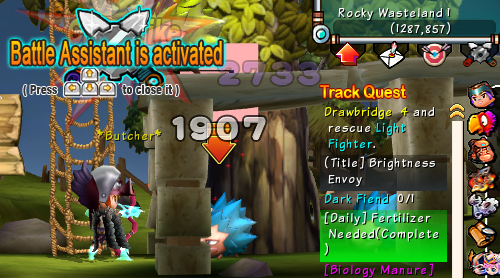
First of all, this is NOT A CHEAT/HACK or a third party program for the game because this is actually a feature of Dreamland Online, that is available to all players. This bot is called “Battle Assistant” and this is pretty helpful to non-hardcore players that doesn’t have all the time to play the game.
 |
| PLAY DREAMLAND ONLINE ON FACEBOOK |
– Battle Assistant –
 |
| Battle Assistant Icon |
The Battle Assistant can be accessed in-game. Click on the icon located just below your mini map (upper right corner of your screen) to start configuring your bot. Activating the Battle Assistant right away without any options checked will make your character only do normal attacks and nothing else, so let’s configure this the right way. – Put a check on the “Check Boxes” to activate the option. – Open your Inventory (I) or Spells (K) then drag the items or skills to the slots. – To remove an item/skill from the slot, drag it outside the window.i Commonly used Options:
Auto Pots
– [HP