Facebook Games: Sharing and Gifting are Taking Forever to Load!
Facebook Game’s feed sharing and gifting are not working because they take forever to load! It appears that this kind of problem is commonly experienced in Google Chrome browser. Refer below to learn how to solve this problem.
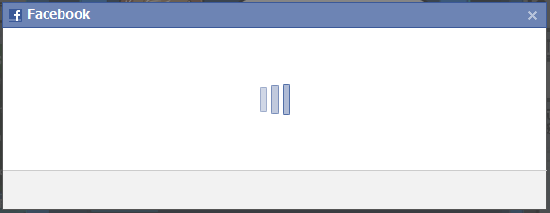
Problem – Refer to the screenshot above, if you are having trouble with the loading time after attempting to do some basic game features, then welcome to the club!
Known Issues (“Keeps on Loading”)
– Sharing game feeds to Facebook Wall is not working properly. – Gifting game items to friends doesn’t work. – Some Game Features like Neighbor or Friend Invites doesn’t work too.
– Comment Boxes doesn’t load properly too. (same here at urgametips.com)
Users reported that Google Chrome is having this kind of problem more often. Here are some solutions that you can do to solve this problem.
# 1 Solution – Clear your Browsing Data
– Open Google Chrome – Click on the Customize and Control icon (upper right corner or at the end of address bar). – Go to “Options” – Choose the “Under the Hood” Menu – Click on “Clear browsing data…” – Choose “at the beginning of time” at the drop down box. – Check all boxes. If you want to keep your passwords, uncheck “Clear saved passwords”. – Click on “Clear browsing data” then wait for it to finish. – Close Google Chrome. * Tested and working! Thanks to all gamers who suggested it to us!
# 2 Solution – Use other browsers
– You can use other browsers instead if you want.
– Mozilla Firefox
– Internet Explorer – or other browsers * Tested and working! Thanks to all gamers who suggested it to us!